VISA Interface
R2026bYou can use the VISA interface with a variety of types of interfaces,
such as TCP/IP, USB, GPIB, and others. You create a
visadev object using arguments that determine the
type of interface you are communicating over. For example, for a
VISA-GPIB object, the visadev function takes a VISA
resource string that includes the board index and address.
Functions
Properties
| visadev Properties | Access VISA resource properties |
Apps
| VISA Explorer | Connect to and communicate with instruments over VISA (Since R2022b) |
Blocks
 | VISA | Communicate with VISA resources (Since R2023b) |
Topics
Connect to and Configure VISA Interfaces
- Get Started with VISA
Get started with the Virtual Instrument Standard Architecture (VISA) interface. - Get Started with TCP/IP Interface for VXI-11 and HiSLIP
Establish a connection between MATLAB® and your instrument using the VISA-TCP/IP interface. - Get Started with TCP/IP Socket Interface
Establish a connection between MATLAB and your instrument using the VISA-Socket interface. - Get Started with USB Interface
Establish a connection between MATLAB and your instrument using the VISA-USB interface. - Get Started with GPIB Interface
Establish a connection between MATLAB and your instrument using the VISA-GPIB interface. - Get Started with Serial Port Interface
Establish a connection between MATLAB and your instrument using the VISA-Serial interface. - Get Started with VXI and PXI Interfaces
Establish a connection between MATLAB and your instrument using the VISA-VXI or VISA-PXI interface.
Communicate with VISA Resource
- Write and Read ASCII Data Using VISA
Explore ASCII write and read operations with a VISA object. - Write and Read Binary Data Using VISA
Explore binary write and read operations with a VISA object. - Send Trigger to Instrument
Send the trigger command to your VISA resource. - Execute Serial Polls
Execute a serial poll to check the status of your VISA resource. - Transition Your Code to visadev Interface
Connect to a VISA device usingvisadevinstead ofvisa.
VISA Explorer App
- Configure Connection in VISA Explorer
Specify the VISA resource to connect to in the UDP Explorer app.
Troubleshooting
Troubleshooting VISA Interface
Troubleshoot the VISA interface.
Resolve VISA Connection Errors
Troubleshoot connecting to a device using VISA.
Resolve VISA Warning: Unable to Read Any Data
Troubleshoot when you receive some data and you get the warning message: 'visadev' unable to read any data.
Resolve VISA Warning: Unable to Read All Data
Troubleshoot when you receive some data and you get the warning message: 'visadev' unable to read all requested data.
Featured Examples
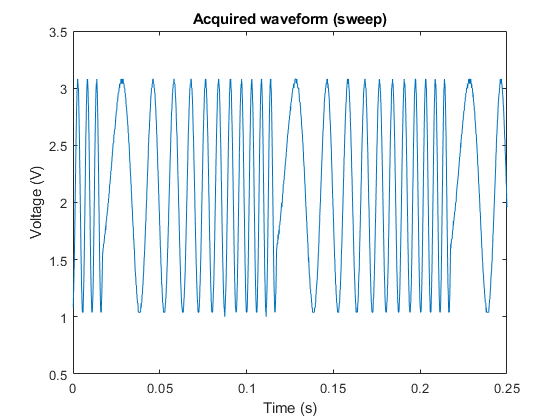
Generate a Swept Sinusoid Using VISA and Capture Waveform Using Quick-Control Oscilloscope
Use a function generator to generate a swept sinusoid waveform and also how to capture it using an oscilloscope.
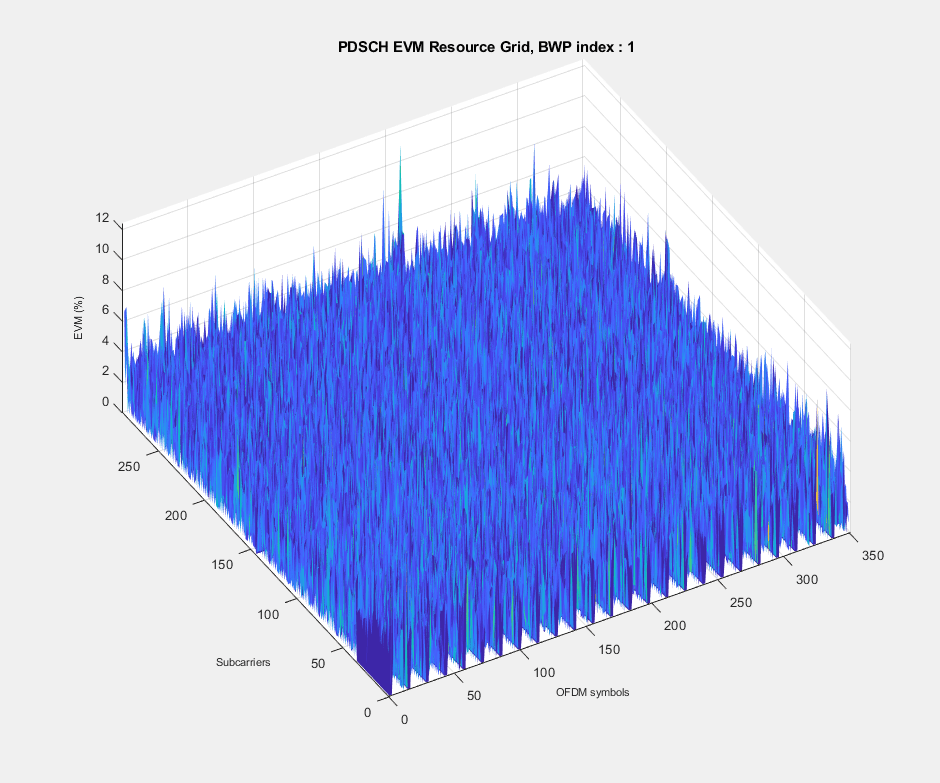
5G NR Waveform Acquisition and Analysis
Generate a 5G NR test model (NR-TM) waveform using the 5G Waveform Generator app and download the generated waveform to a Keysight™ vector signal generator for over-the-air transmission using the Instrument Control Toolbox™ software. The example then captures the transmitted over-the-air signal using a Keysight signal analyzer and analyzes the signal in MATLAB®.
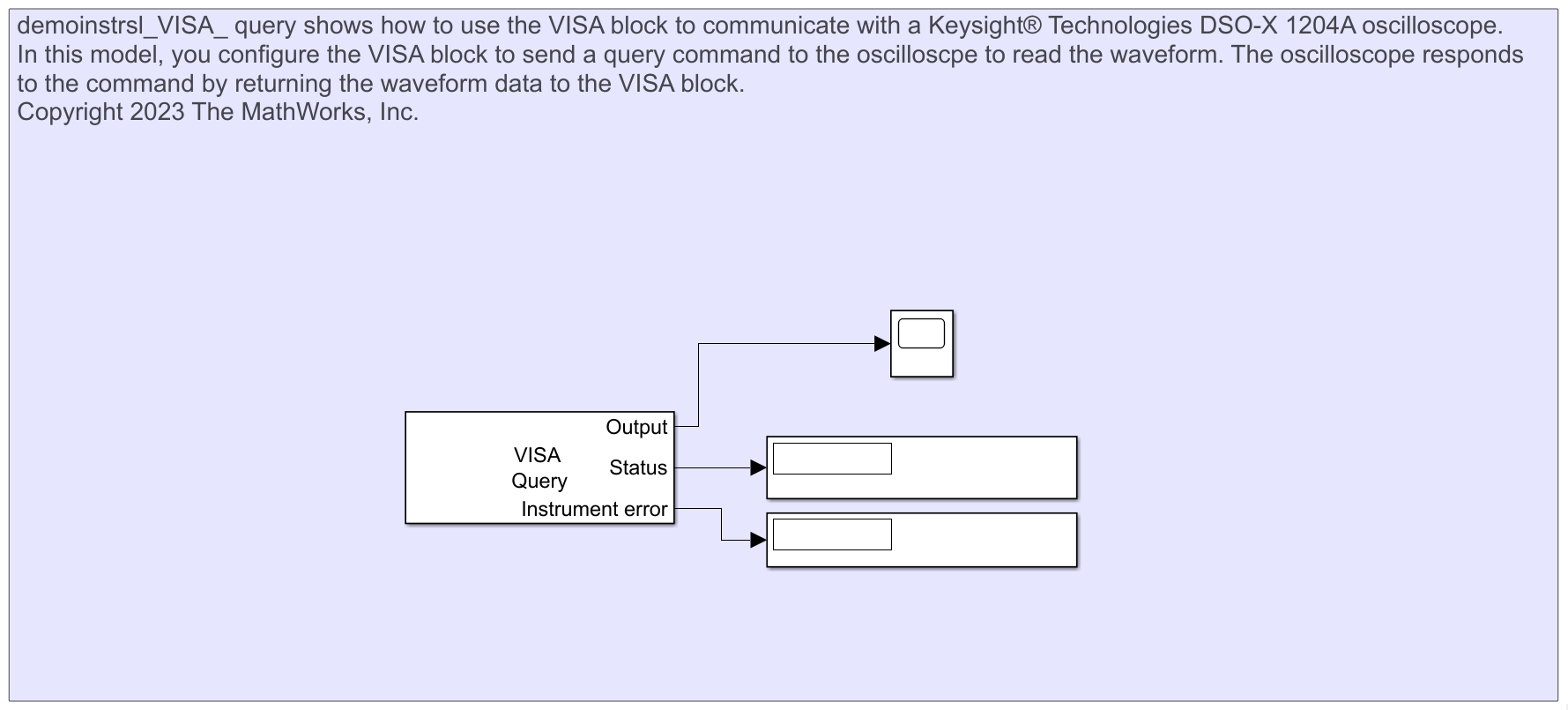
Read Waveform Data from Keysight DSO-X 1204A Oscilloscope Using VISA Block
Use the VISA block to communicate with a Keysight® Technologies DSO-X 1204A oscilloscope.
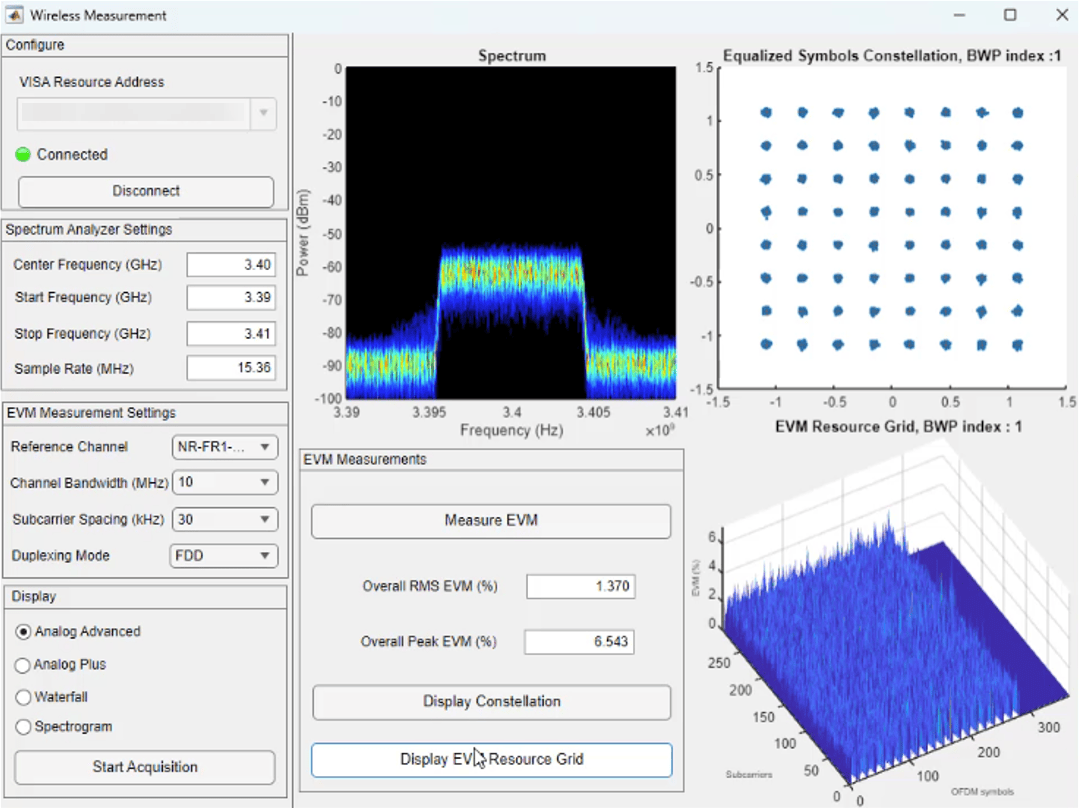
Visualizing Signal Data and 5G Wireless Measurements in an App
Create a custom app for visualizing signal data and performing 5G wireless measurements using App Designer.
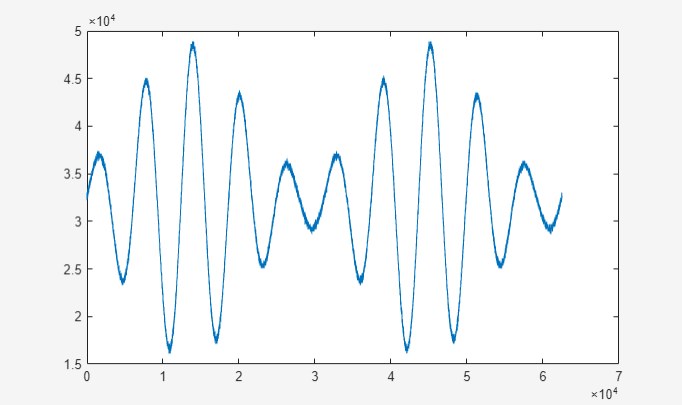
Generate and Read Waveform Data from Oscilloscope Using VISA Explorer App
Use the VISA Explorer app to send SCPI (Standard Commands for Programmable Instruments) commands to an oscilloscope with built-in function generator. The example then shows how to generate and read a modulated sinusoid waveform.
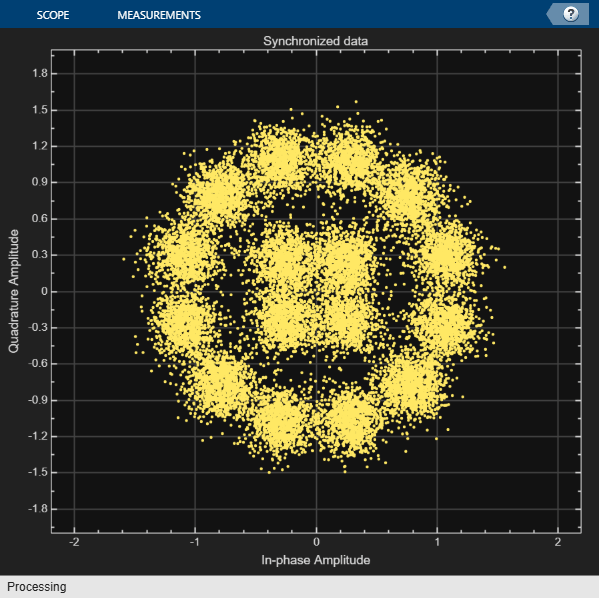
DVB-S2 Waveform Transmission and Reception Using Instrument Control Toolbox
Generate Digital Video Broadcasting Satellite Second Generation (DVB-S2) physical layer (PL) frames using the Wireless Waveform Generator App and download the generated waveform to a Keysight™ vector signal generator for over-the-air transmission using the Instrument Control Toolbox™ software. The example then captures the transmitted over-the-air signal using a Keysight signal analyzer, decodes the PL frames and analyzes the signal in MATLAB®.

