Install MATLAB Connector for Hardware Connectivity
R2026bMATLAB® Connector™ provides an easy way to establish a connection for communication between MATLAB Online™ and your hardware device. This app simplifies the integration process, making it easier to connect and control various hardware devices directly from MATLAB Online. MATLAB Connector ensures seamless data communication, enhancing your workflow and productivity.
Install Instructions
| Operating System | Instructions |
|---|---|
| Windows® |
|
| macOS |
|
| Linux® |
|
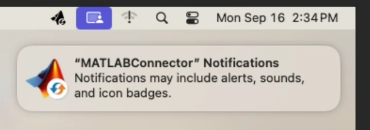
When the installer finishes, MATLAB Connector is ready for use.
Note
MATLAB Connector does not natively support ChromeOS. However, you can set up the Linux development environment on a Chromebook® and configure USB device passthrough to use MATLAB Support Package for Arduino® Hardware with MATLAB Online. For more information, see Set Up MATLAB Support Package for Arduino with MATLAB Online on ChromeOS.
Uninstall Instructions
To uninstall MATLAB Connector, see Uninstall Instructions.
See Also
Use MATLAB Connector to Connect to Hardware | MATLAB Connector Preferences and Account Information

