Get Started with Aerospace Blockset
R2026bAerospace Blockset™ provides tools for modeling and simulation of aircraft, rotorcraft, and spacecraft. The blockset includes vehicle dynamics and components, environment models, and aerospace math and coordinate frames. These capabilities support high-fidelity system-level simulation and mission-level analysis across design and integration workflows.
Aerospace Blockset supports workflows for guidance, navigation, and control (GNC), mission planning, trajectory design, and system analysis. You can perform closed-loop simulation for system design, trade studies, and validation, with visualization capabilities for analyzing results. The blockset supports system performance evaluation from concept through operation for aerospace vehicles.
Tutorials
- Explore the NASA HL-20 Model
Learn how to run an aerospace model in the Simulink® interface, examine the results, and modify the model settings and parameters.
- Constellation Modeling with the Orbit Propagator Block
Propagate the orbits of a constellation of satellites and compute and visualize access intervals between the individual satellites and several ground stations.
- Create Aerospace Models
Build models with your Aerospace Blockset software.
- Ideal Airspeed Correction
Calculate indicated and true airspeed.
- NASA HL-20 Lifting Body Airframe
Model the airframe of a NASA HL-20 lifting body, a low-cost complement to the Space Shuttle orbiter.
- Projects Template for Flight Simulation Applications
Use projects to help organize large flight simulation modeling projects and make it easier to share projects with others.
- STEP 1: Longitudinal Aerodynamic and Control Behavior
- STEP 2: Simulation Architecture
- STEP 3: Visualization
1903 Wright Flyer Longitudinal Flight Simulation
Model the airframe, environment, and pilot of the first aircraft, the Wright Flyer.
About Aerospace Modeling
- Support for Aerospace Toolbox Quaternion Functions
Use quaternion functions in the MATLAB Function block.
- Visualization Tools
View flight paths with MATLAB® graphics-based 3DoF and 6DoF animation blocks, scenarios using Unreal Engine®, or flight simulator animation; input data to models; display measurements through standard cockpit instruments.
- Display Measurements with Cockpit Instruments
View signal data using any flight instrument blocks.
Videos

Getting Started with Aerospace Blockset
Use Aerospace Blockset to model aircraft and spacecraft in dynamic environments, implement
flight controllers, and visualize flight dynamics in orbit trajectories.

Simulating Aircraft in Unreal Engine based 3D Environment
Use aircraft scenario blocks to simulate aircraft models in a 3D environment
powered by Unreal Engine.
Teaching Resources
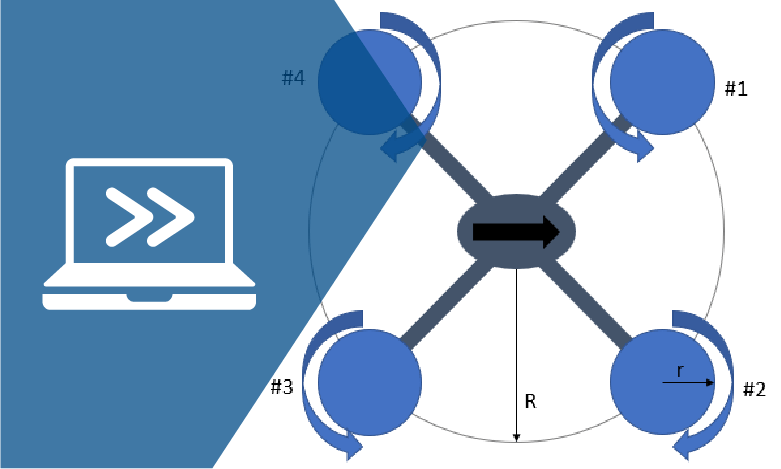
Introduction to Quadcopter Modeling and Simulation
Learn to model a quadcopter starting from first principles before improving the fidelity.

