File Log
R2026bWrite signal data file log on target computer
File Log block

To add a block to a model, double-click the canvas and start typing the block name. Then, select the block from the list.
Libraries:
Simulink Real-Time /
Logging
Description
The File Log block logs the signal at its input port to the Speedgoat® target computer file system when you enable logging service.
For more information about the file logging workflow, see Real-Time Signal Logging and Streaming Basics.
Examples
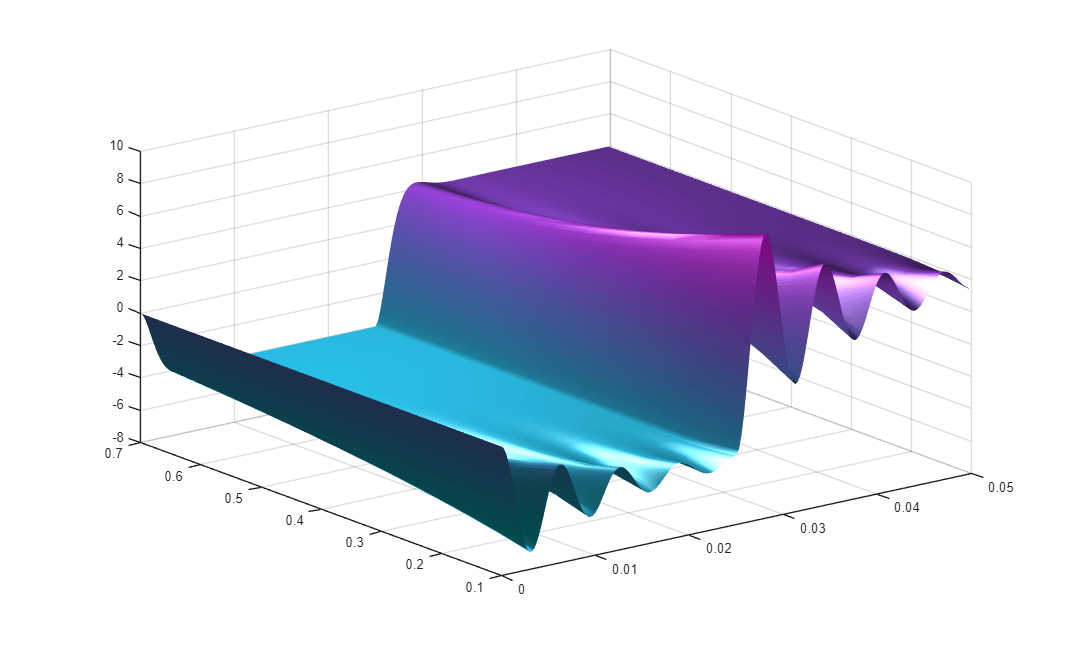
Real-Time Signal Logging and Parameter Tuning
Use real-time parameter tuning and data logging with Simulink® Real-Time™.
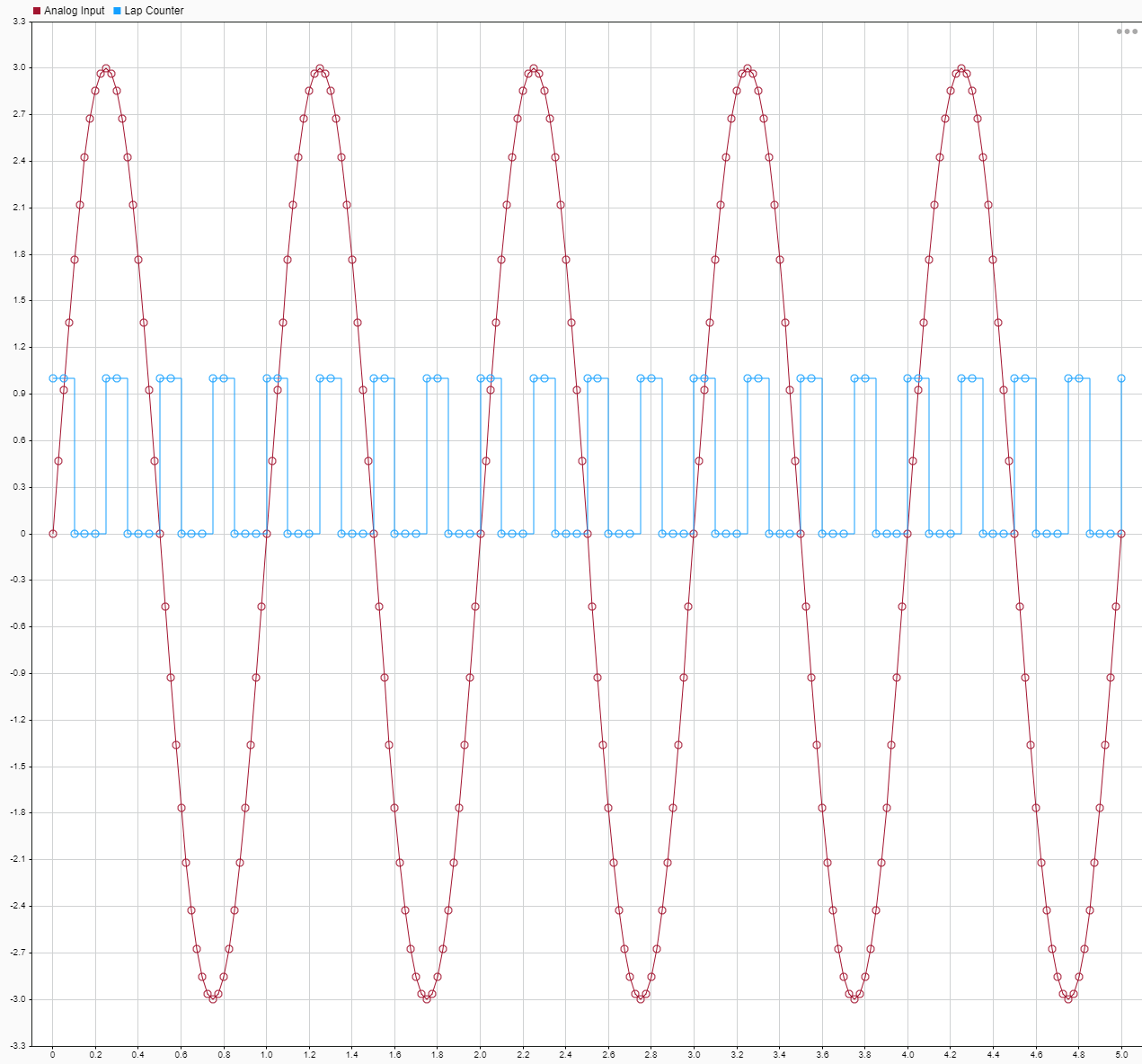
Tune Decimation for File Log Data Without Model Rebuild
Use tunable decimation for data logging.
Limitations
The File Log block uses discrete sample time. When logging signal data for continuous signals, File Log data may differ slightly from signal data produced by marking the signal for logging in the Simulation Data Inspector. For more information, see Types of Sample Time.
Ports
Input
Parameters
Programmatic Use: Add Block
To add the block programmatically, use the add_block function with one of these library block paths as the source.
"slrealtimeloglib/File Log"
Example: add_block("slrealtimeloglib/File Log","myModel/myBlock",MakeNameUnique="on")

