Ladder Diagram Integration
R2026bLadder Diagram is a graphical programming language that you use to develop software for programmable logic controllers (PLCs). It is one of the languages that the IEC 61131 standard specifies for use with PLCs. A program in ladder diagram notation is a circuit diagram that emulates circuits of relay logic hardware. The underlying program uses Boolean expressions that translate readily to switches and relays.
With Simulink® PLC Coder™, you can use ladder import to import ladder diagrams created with Rockwell Automation® IDEs, such as RSLogix™ 5000 and Studio 5000 into the Simulink environment as a model. You can create ladder diagrams in the Simulink environment as a model.
After importing or creating the ladder diagram models, you can:
Edit the imported Ladder Diagram model from within Simulink by using the
plcladderliblibrary.After importing the ladder diagram code into Simulink, simulate it.
Generate C code from the imported ladder diagram and integrate the code into your existing C language-based simulation environments.
Generate ladder diagram code from the imported ladder diagram and integrate the code into your Rockwell Automation IDE. You cannot generate structured text code from the Ladder Diagram blocks.
Generate PLC testbench code for the imported ladder diagram and verify the code in your Rockwell Automation IDE.

Apps
| Simulink PLC Coder | Generate structured text and ladder diagram code from Simulink models, Stateflow charts, and MATLAB functions |
Functions
Blocks


 | AOI Runner | AOI Runner |
 | PLC Controller Suite | PLC Controller |
 | PLC Controller | PLC Controller |
 | Task | Task |
 | Ladder Diagram Program | Ladder Diagram Program |
 | Ladder Diagram Subroutine | Ladder Diagram Subroutine |
 | Ladder Diagram Function Block (AOI) | Ladder Diagram Function Block (AOI) |
 | Variable Read | Variable Read |
 | Variable Write | Variable Write |
 | Power Rail Start | Power Rail Start |
 | Power Rail Terminal | Power Rail Terminal |
 | Rung Terminal | Rung Terminal |
 | Junction | Junction |
 | Custom Instruction | Create custom ladder logic instruction |
Topics
- Supported Elements in Ladder Diagram
Ladder features and elements that are supported by Simulink PLC Coder.
- Import L5X Ladder Diagram Files into Simulink
Import L5X ladder diagram files into Simulink.
- Model and Simulate Ladder Diagrams in Simulink
Create and simulate ladder Diagrams in Simulink.
- Generating Ladder Diagram Code from Simulink
Generate Ladder Diagram code (L5X) from Simulink.
- Generating C Code from Simulink Ladder
Generate C code from a Simulink Ladder Diagram Model.
- Verify Generated Ladder Diagram Code
Verify generated code against the original Simulink model in your IDE using a generated test bench.
- Create Custom Instruction in PLC Ladder Diagram Models
Create user-defined instruction in PLC Ladder Diagram models.
Featured Examples
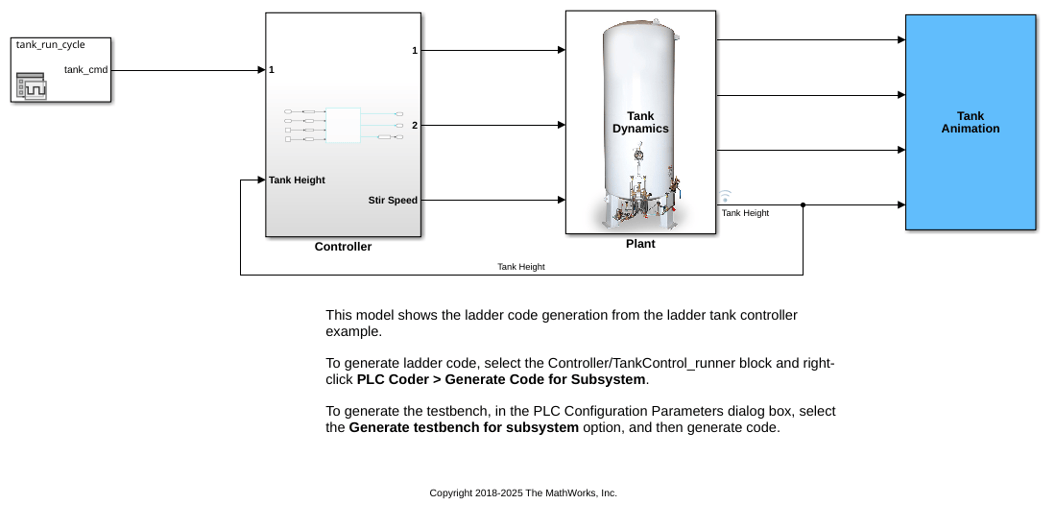
Tank Control Simulation and Code Generation by Using Ladder Logic
Simulate ladder logic and generate code from the ladder tank controller model.
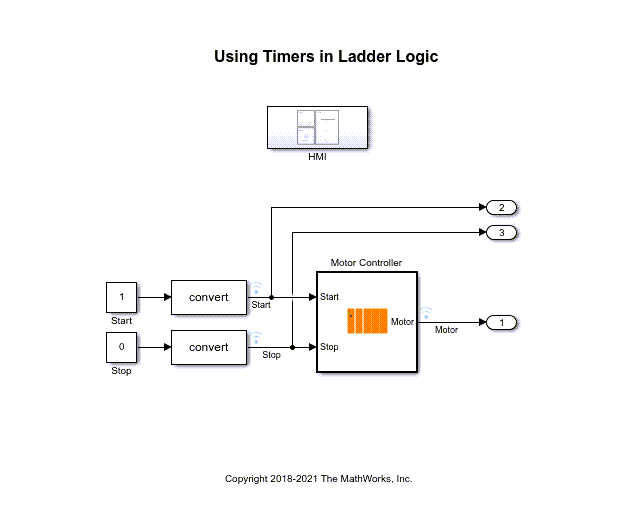
Simulate, Model, and Generate Code for Timer-Based Ladder Logic
Model and simulate ladder logic for a simple timer-based motor controller. The ladder logic based controller uses an on-delay timer to delay the start of the motor and an off-delay timer to delay the stopping of the motor. After verifying that the controller and timers function for your requirements generate code for the controller.
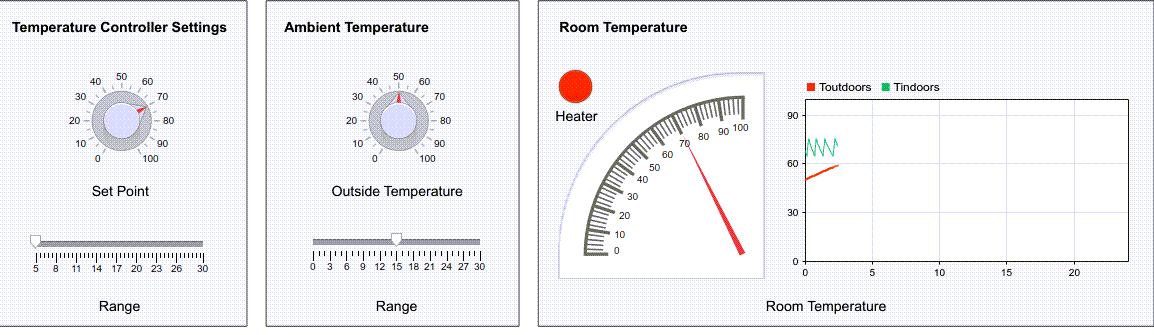
Model, Simulate, and Generate Code for a Ladder Logic-Based Temperature Controller
Model and simulate a ladder logic-based temperature controller of a home. The ladder logic controls the heater based on the thermostat settings and the outside ambient temperature. After verifying that the controller functions for your requirements, generate code for your controller.
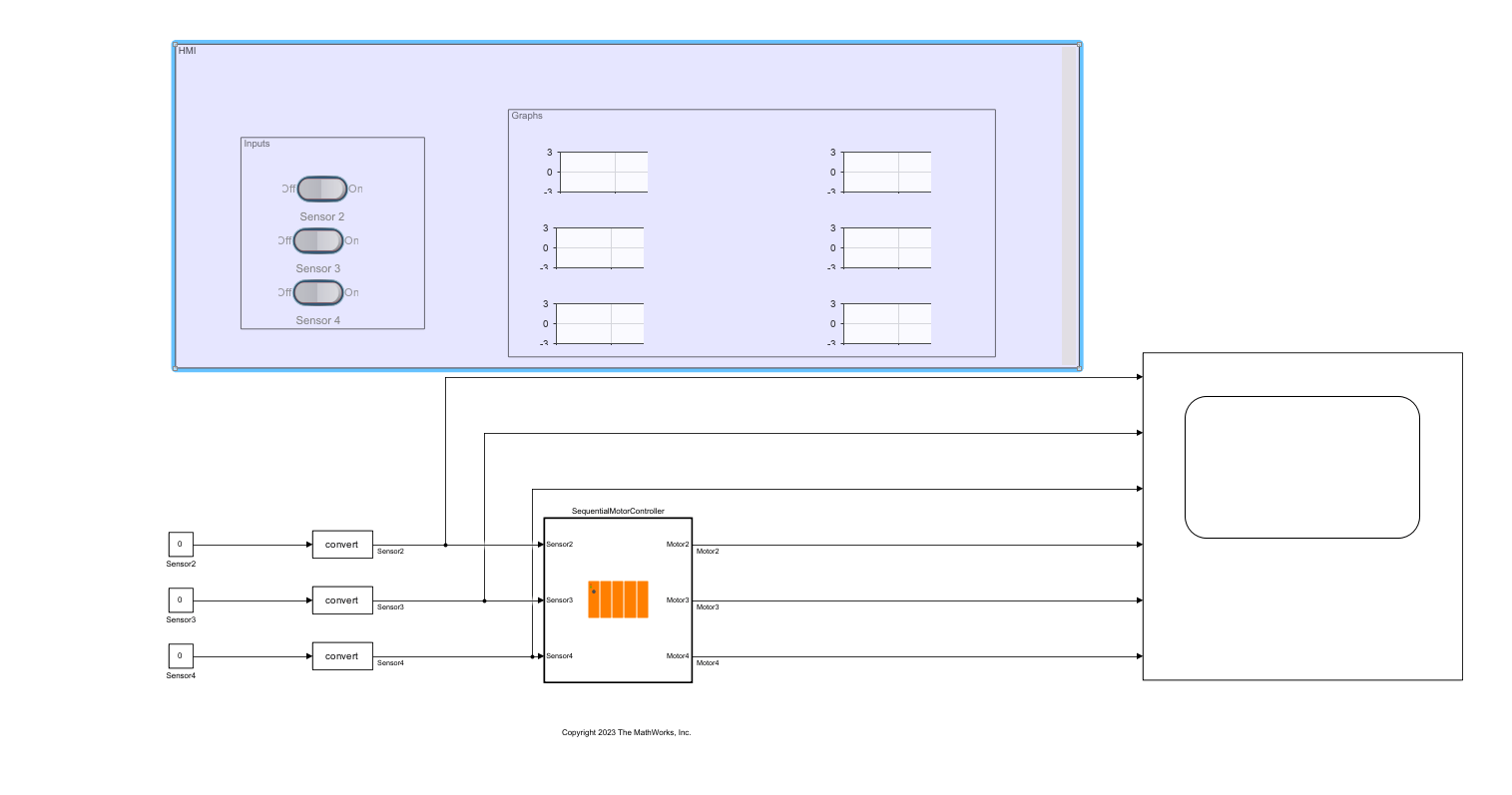
Model and Generate Code for Jump and Label Ladder Diagram Instructions
Model a ladder diagram in Simulink® that uses the JMP and LBL instructions. Simulate the ladder diagram to verify its behavior and generate ladder diagram code from the model. The JMP and LBL instructions branch and loop the ladder diagram code.
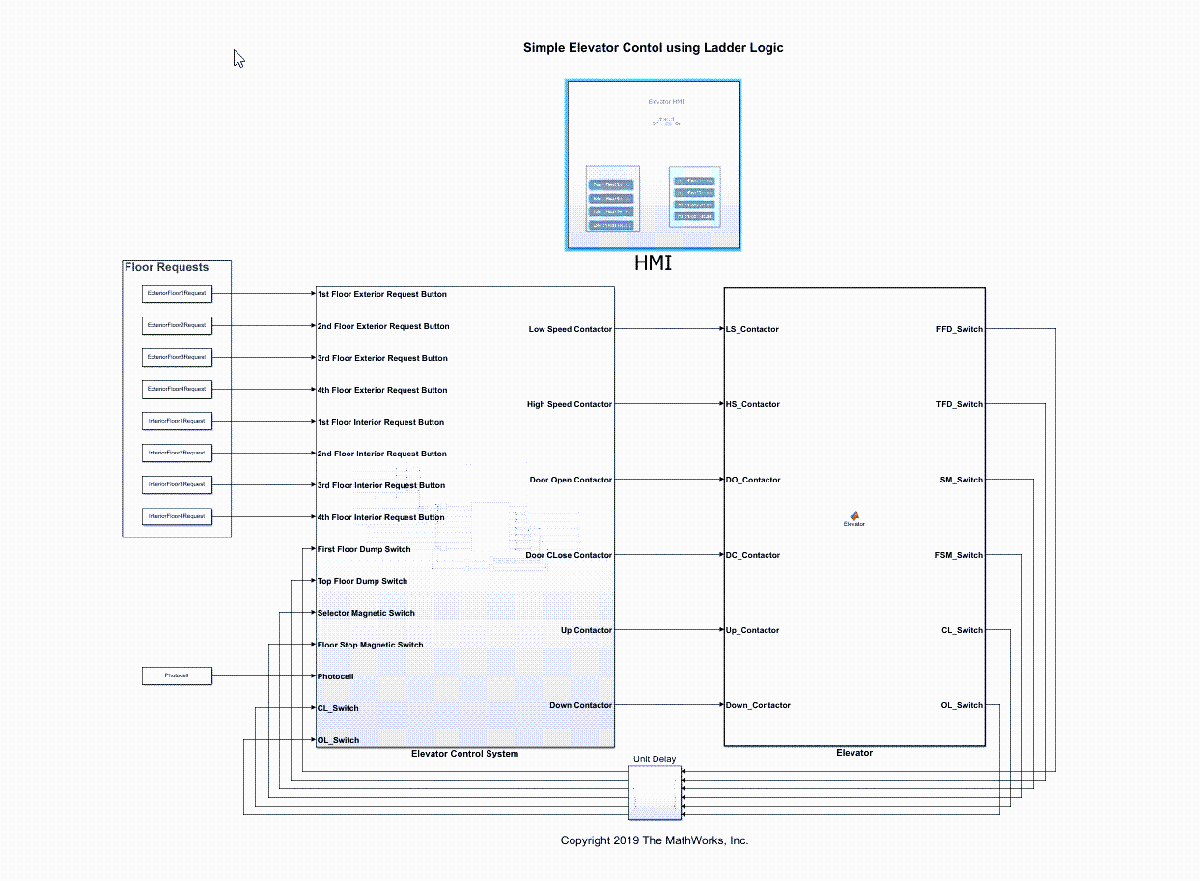
Model, Simulate, and Generate Code for Ladder Logic-Based Elevator Controller
Rapidly prototype the ladder logic-based controller for a single car elevator by using Simulink® PLC Coder™ to model and simulate the ladder logic. After verifying that the controller works for your requirements, generate code for the controller.

