User-Defined Functions
R2026bUse blocks from the User-Defined Functions library to extend Simulink® modeling functionality by creating new types of blocks. You can implement block algorithms using MATLAB®, C/C++, and Fortran® code. Use these blocks when built-in blocks do not provide the specific computation or system behavior you need.
To add blocks from this library to your model, see Add Blocks to Models.
Blocks
 | C Caller | Integrate C code in Simulink |
 | C Function | Integrate and call external C/C++ code from a Simulink model |
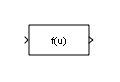 | Fcn | Apply specified expression to input |
 | Function Caller | Call a Simulink function |
 | Initialize Function | Execute subsystem on model initialize event |
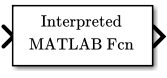 | Interpreted MATLAB Function | (To be removed) Apply MATLAB function or expression to input |
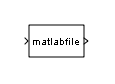 | Level-2 MATLAB S-Function | Use Level-2 MATLAB S-function in model |
 | MATLAB Function | Include MATLAB code in Simulink models |
 | MATLAB System | Include System object in model |
 | Python Code | Integrate native Python code into a Simulink model (Since R2025a) |
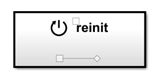 | Reinitialize Function | Execute subsystem on model or subsystem reinitialize event (Since R2022a) |
 | Reset Function | Execute subsystem on model reset event |
 | S-Function | Include S-function in model |
 | S-Function Builder | Integrate C or C++ code to create S-functions |
 | Simulink Function | Define a function using Simulink blocks |
 | Terminate Function | Execute subsystem on model terminate event |
Tools
| Library Browser | Find and add blocks to model |
Topics
- Add Blocks to Models
Use the Library Browser and quick insert menu to insert blocks.
Related Information
Featured Examples
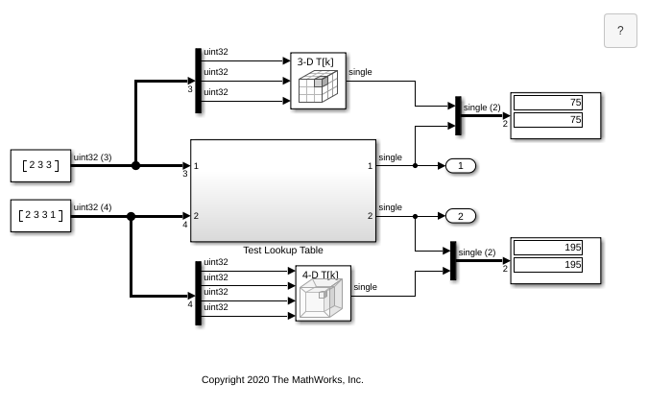
Call Legacy Lookup Table Functions Using C Function Block
Use the C Function block to call legacy C functions that implement N-dimensional table lookups.

Modify States of a C Function Block Using Persistent Symbols
Define an initial persistent value to cache in the block.
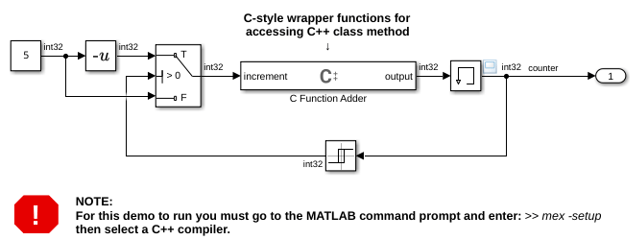
Call C++ Class Methods Using C-Style Wrapper Function from C Function Block
Use the C Function block to call C++ class methods using a C-style wrapper function.
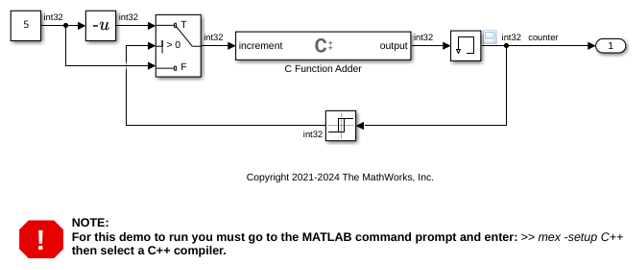
Call C++ Class Methods Directly from a C Function Block
Call C++ Class Methods Directly From a C Function Block.
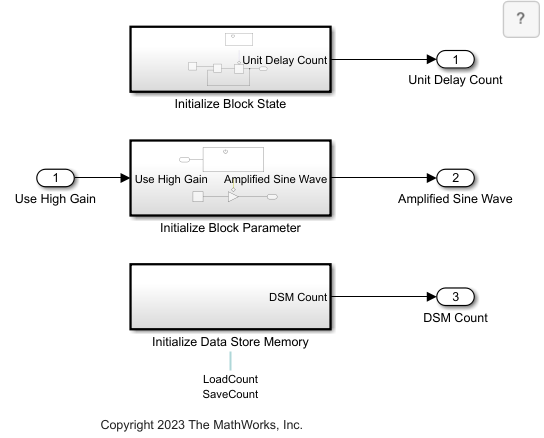
Common Uses of the Initialize Function Block
Use the Initialize Function block to perform these common initialization actions.
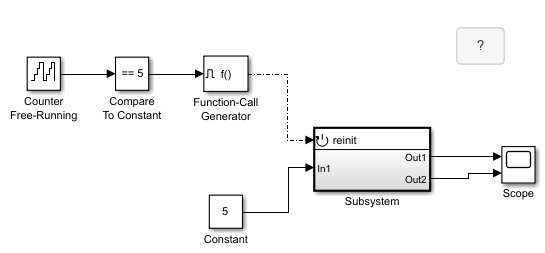
Working with the Reinitialize Function Block
Use a Reinitialize Function block to reset the initial condition of a Discrete-Time Integrator block for every function-call event received by a subsystem. In this example, the Reinitialize Function block is inside a subsystem, and the subsystem receives a function-call event at every five simulation time steps.
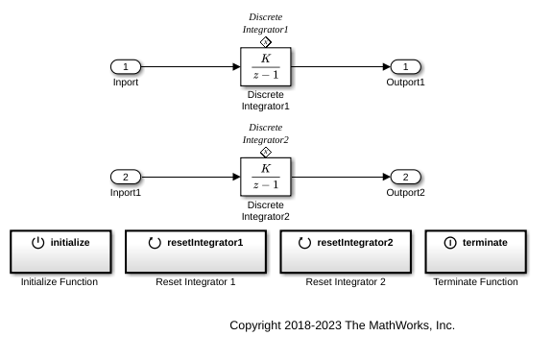
Initialize, Reset, and Terminate State of Simulink Block
Use the Initialize Function, Reset Function, and Terminate Function blocks to respond to events in a Simulink model.

