Continuous
R2026bUse blocks from the Continuous library to model systems that change smoothly over time. Continuous blocks produce outputs at every simulation time step rather than at discrete intervals. Use these blocks to compute derivatives, integrate signals, introduce transport delays, implement PID controllers, or represent linear systems as transfer functions or state-space models.
To add blocks from this library to your model, see Add Blocks to Models.
Blocks
 | Derivative | Compute approximate continuous derivative of continuous input signal with respect to time |
 | Descriptor State-Space | Model continuous linear system as system of implicit state-space equations |
 | Entity Transport Delay | Introduce a delay in propagation of a SimEvents message |
 | First Order Hold | Implement linearly extrapolated first order hold on input signal |
 | Integrator | Integrate signal |
 | PID Controller | Continuous-time or discrete-time PID controller |
 | PID Controller (2DOF) | Continuous-time or discrete-time two-degree-of-freedom PID controller |
 | Second-Order Integrator | Second-order integration of input signal |
 | State-Space | Model continuous linear system as system of explicit state-space equations |
 | Transfer Fcn | Model linear system as transfer function |
 | Transport Delay | Delay input by given amount of time |
 | Variable Time Delay | Delay input by variable amount of time |
 | Variable Transport Delay | Delay input by variable amount of time |
 | Zero-Pole | Model system using zero-pole-gain transfer function |
Tools
| Library Browser | Find and add blocks to model |
Topics
- Add Blocks to Models
Use the Library Browser and quick insert menu to insert blocks.
- Model a Continuous System
Model a system with variables defined at all time values.
Related Information
Featured Examples

Model Series RLC Circuit as Implicit State-Space System
Model a series RLC circuit as an implicit state-space system by using the Descriptor State-Space block.
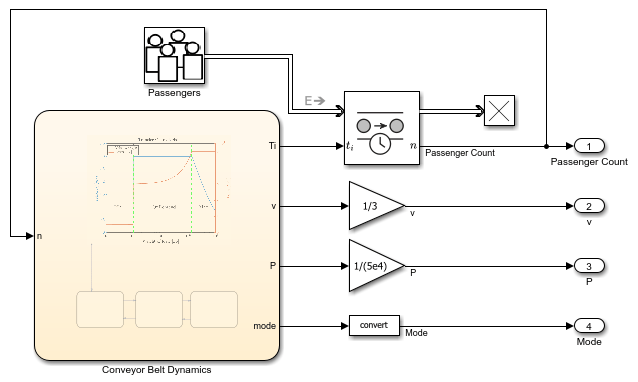
Model Conveyor Belt as Cyber-Physical System
Model a variable-speed conveyor belt as a cyber-physical system by combining continuous-time, discrete-event, and finite-state modeling techniques. The model in this example integrates the modeling techniques required to represent the cyber-physical system into a single simulation environment by using Simulink®, SimEvents®, and Stateflow®.
Teaching Resources
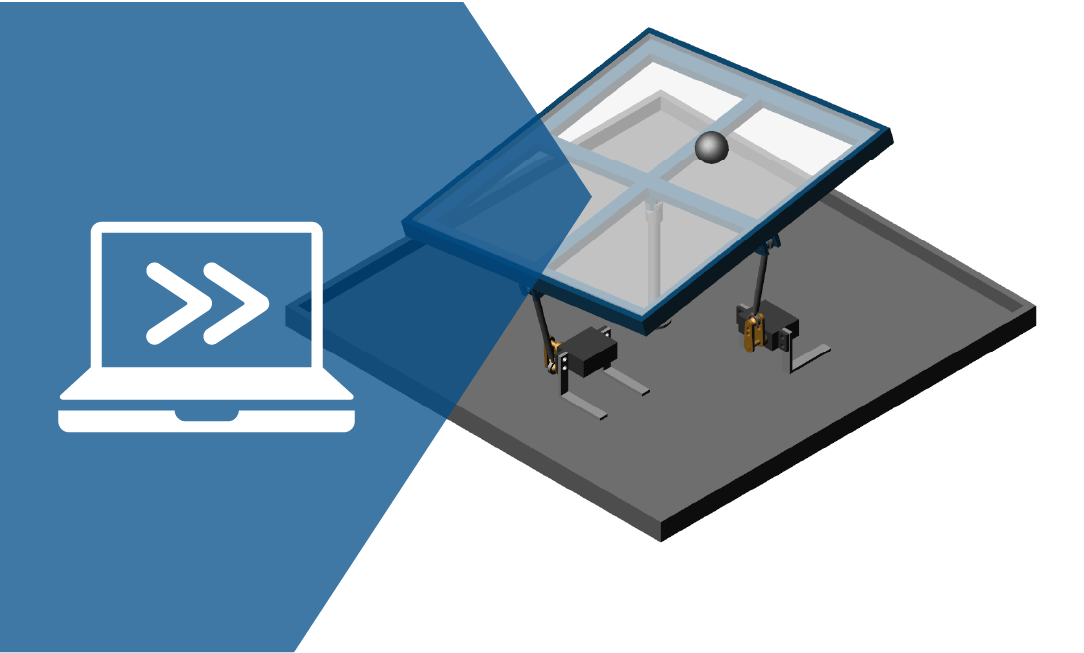
Virtual Hardware and Labs for Controls
Learn the concepts of building open/closed loop feedback control systems, computing transfer functions, and performing position analysis.

