Real-Time Application Instrument Panel Apps
R2026bInterface with a real-time application running on a target computer through graphical instrument panels. Create instrument panels, add instruments to the panels, and then connect parameters and signals to the instruments by using instrument objects. Run your real-time application in MATLAB®. Use the instruments to control the parameters and view the signal outputs. See Instrumentation Apps for Real-Time Applications.
Apps
| Simulink Real-Time | Generate real-time applications for simulations that run on a target computer and interface with I/O devices in the target computer |
| Simulink Real-Time Explorer | Interact with target computer and real-time application running on target computer |
| Simulink Real-Time TET Monitor | Observe task execution time for the real-time application running on target computer |
| Simulink Real-Time App Generator | Generate instrument panel app to interact with target computer and real-time application running on target computer (Since R2022a) |
| Simulink Real-Time Application Property Inspector | View and modify application properties (Since R2023b) |
Tools
| Simulation Data Inspector | Inspect and compare data and simulation results to validate and iterate model designs |
Objects
Instrument | Create real-time instrument object |
slrealtime.instrument.LineStyle | Create real-time instrument LineStyle object (Since R2022b) |
Functions
Properties
| slrealtime.ui Properties | slrealtime UI component properties for instrument panel UI |
Topics
- Instrumentation Apps for Real-Time Applications
Interface with your real-time application by using instrument panel apps.
- Create App Designer Instrument Panels by Using App Generator
Create real-time application instrument panel by using App Generator.
- Create and Update Instrument Panel for Stateflow Car Transmission
Configure and update an App Designer instrument panel app for a Simulink Real-Time car transmission application.
- Tips for Running Apps on Simulink Normal Mode Target
Follow these tips to run App Designer instrument panel apps on a Simulink Normal Mode target.
- Tips for Creating Standalone Executable Apps
Follow these tips to aid development of standalone executable apps.
Related Information
Featured Examples
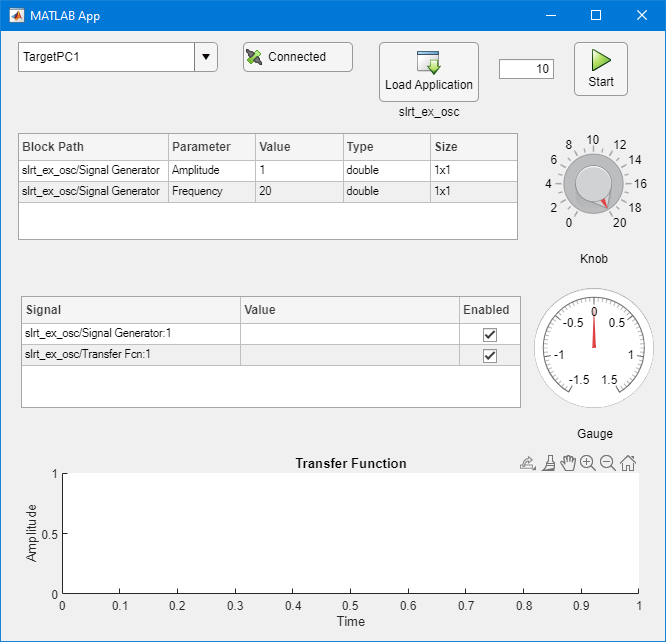
Create App Designer Instrument Panels by Using Simulink Real-Time Components
Create real-time application instrument panel by using App Designer components.
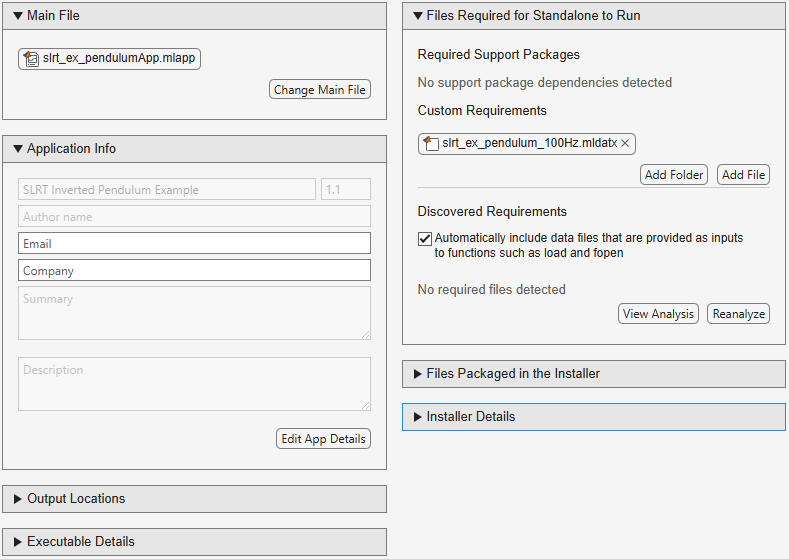
Create Standalone Instrument Panel App Using Standalone Application Compiler
Create executable instrument panel apps by using application compiler.
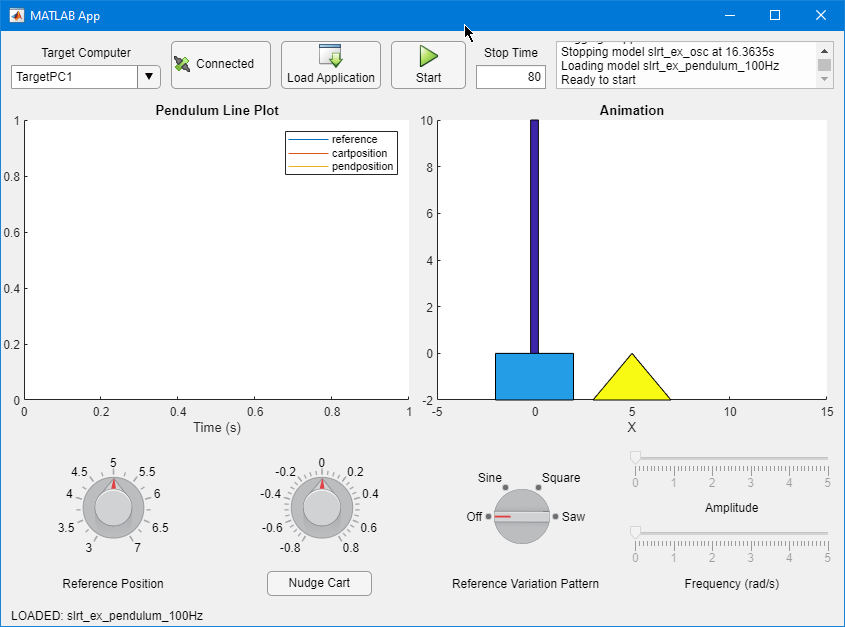
Add App Designer App to Inverted Pendulum Model
Stream signal signals to an App Designer instrument panel app from a Simulink Real-Time application.
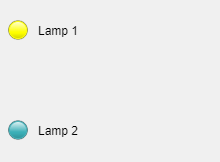
Control Color of Lamp on Instrument Panel by Using MATLAB®
Connect a lamp indicator on an instrument panel, connect the lamp instrument to the real-time application, and control the color of the lamp.

Control Color of Lamp on Instrument Panel by Using App Generator
Connect a lamp indicator on an instrument panel from App Generator, connect the lamp instrument to the real-time application, and control the color of the lamp.
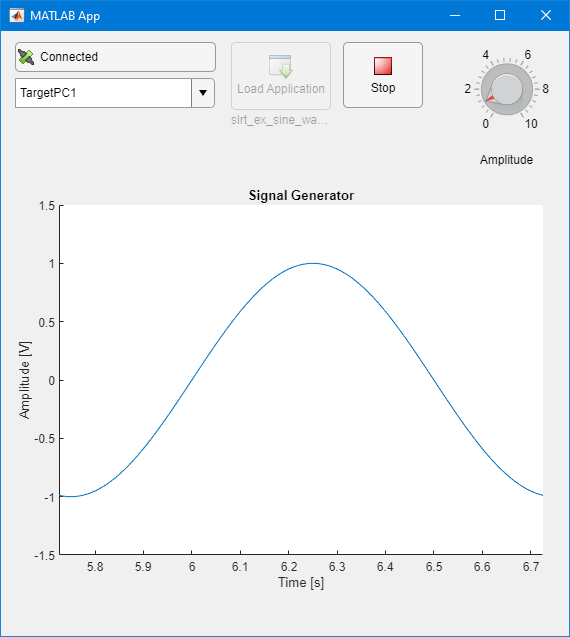
Basic App Designer App for Real-Time Application Interface
Configure a basic App Designer instrument panel app for a Simulink Real-Time application.

